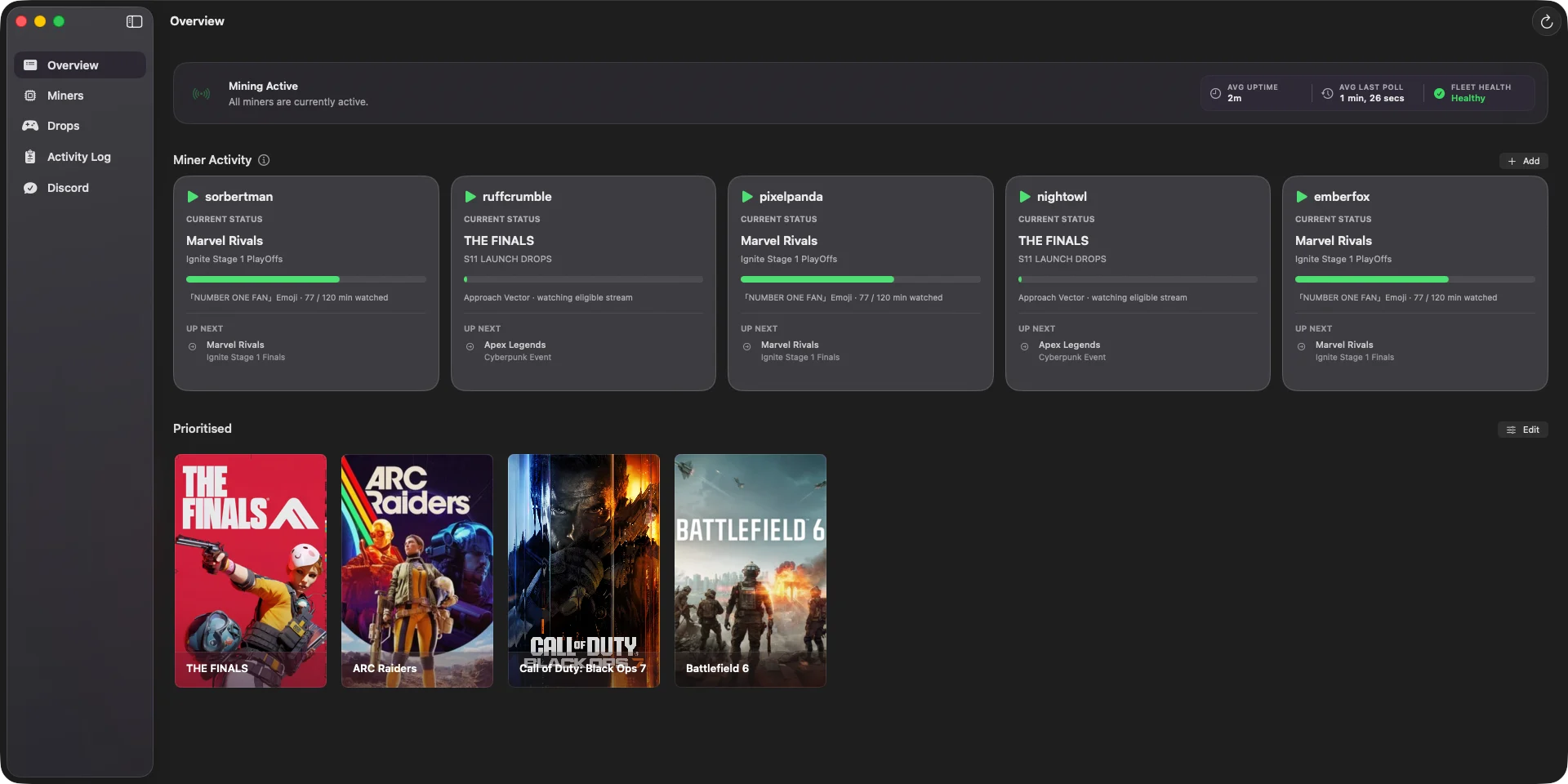
Every miner in one view
See what each account is watching, its current campaign, and the next reward. Shared priorities keep a group aligned, while individual accounts can still choose their own.

 SwiftMiner
Set it once. SwiftMiner finds eligible streams, tracks campaign progress, and claims rewards across all your accounts—right from your Mac.
Latest release: v1.42 · Requires macOS 14.0 or later
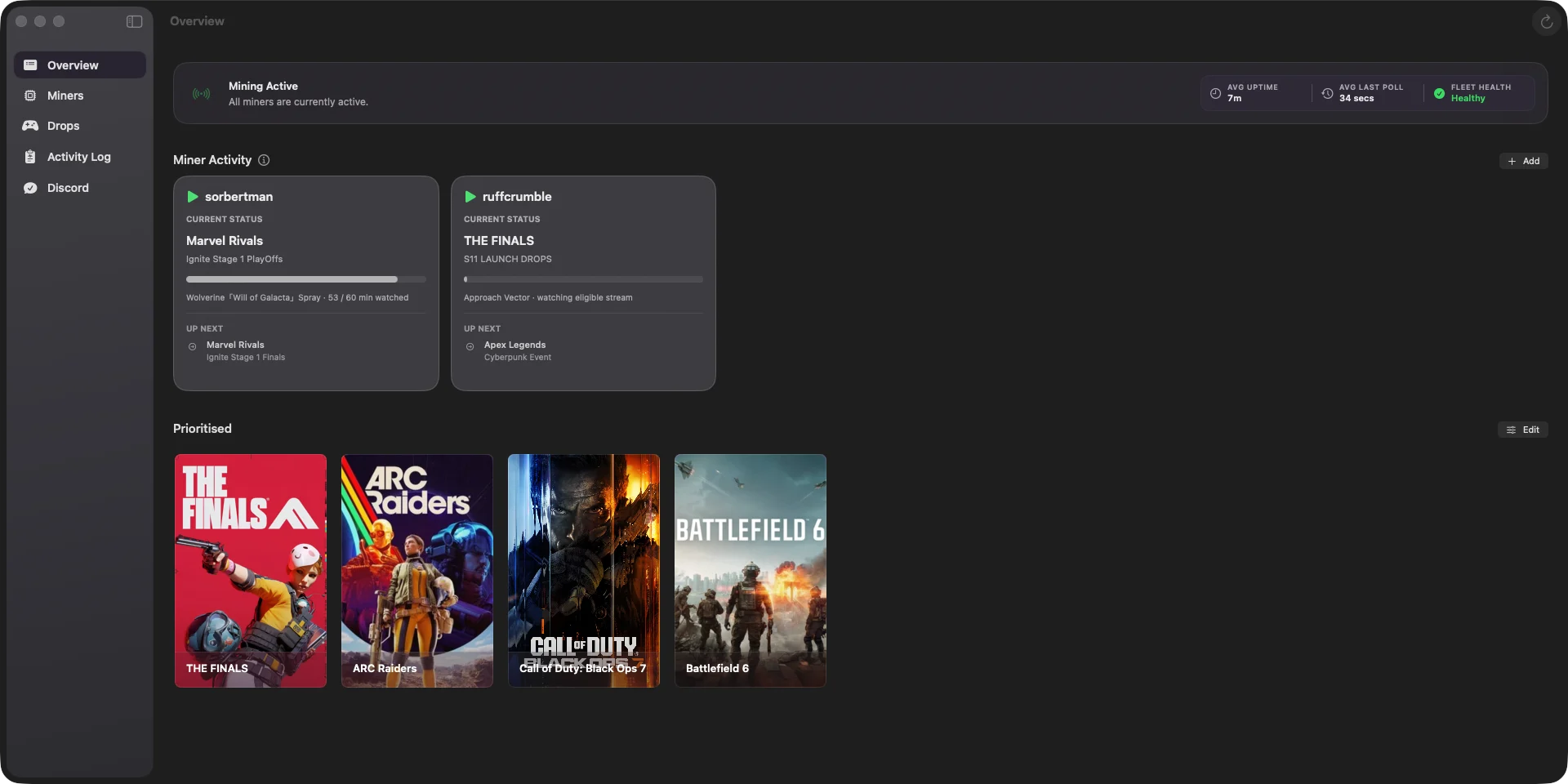
The repetitive parts happen automatically, whether you run one account or several.
SwiftMiner finds eligible streams, keeps watch progress moving, and claims rewards as soon as they unlock.
Run miners for yourself and your friends at the same time, with shared or account-specific game priorities.
A signed Swift app for Apple Silicon and Intel Macs, with no browser, Python environment, or container to keep running.
SwiftMiner detects retired Drops queries and can validate a replacement through Safari, without waiting for a new app release.
Keep accounts, priorities, and campaign progress organized without opening Twitch or watching a browser tab.
See what each account is watching, its current campaign, and the next reward. Shared priorities keep a group aligned, while individual accounts can still choose their own.
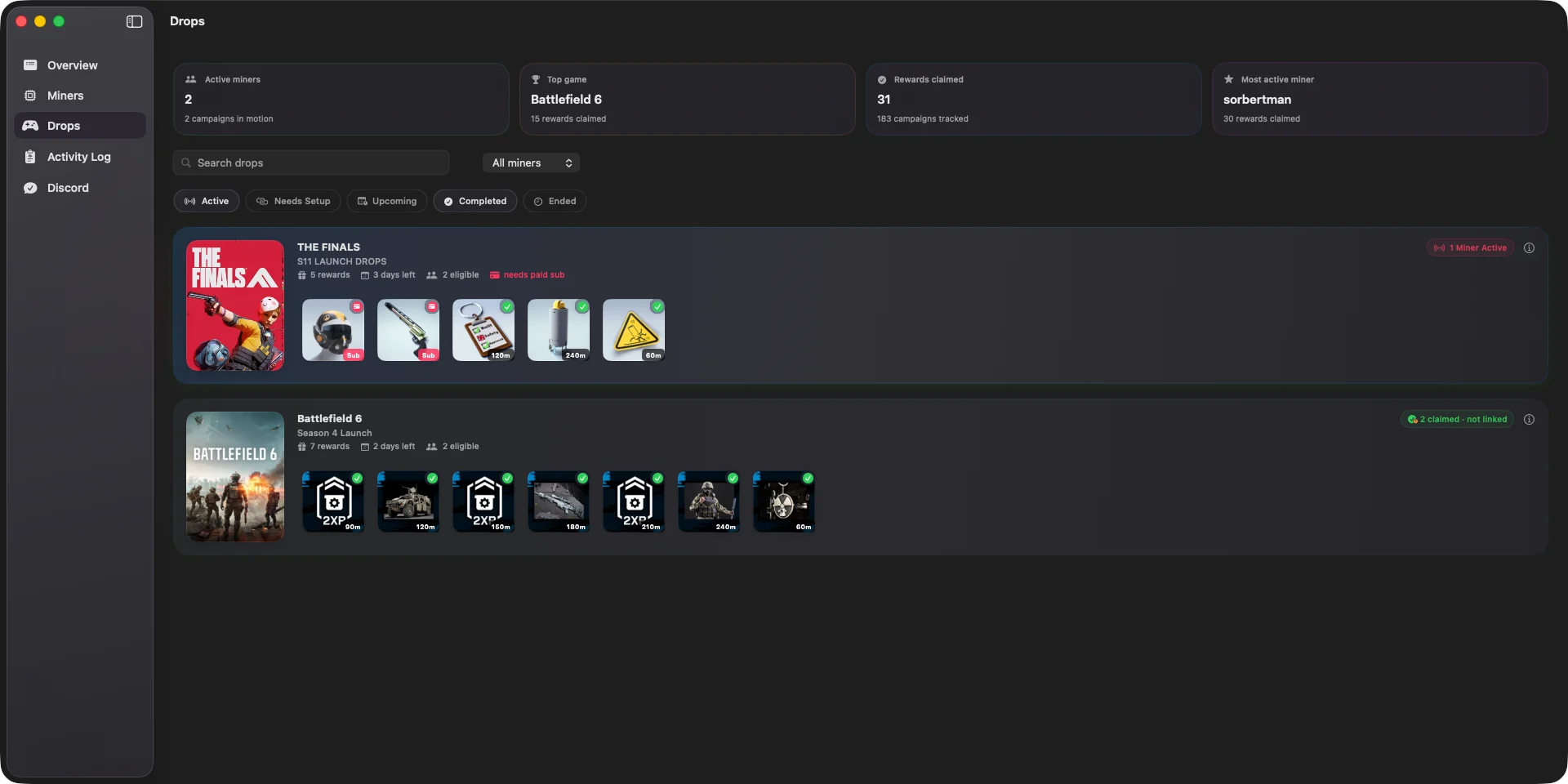
Track active, completed, and upcoming campaigns while SwiftMiner automatically finds eligible streams and keeps progress moving.
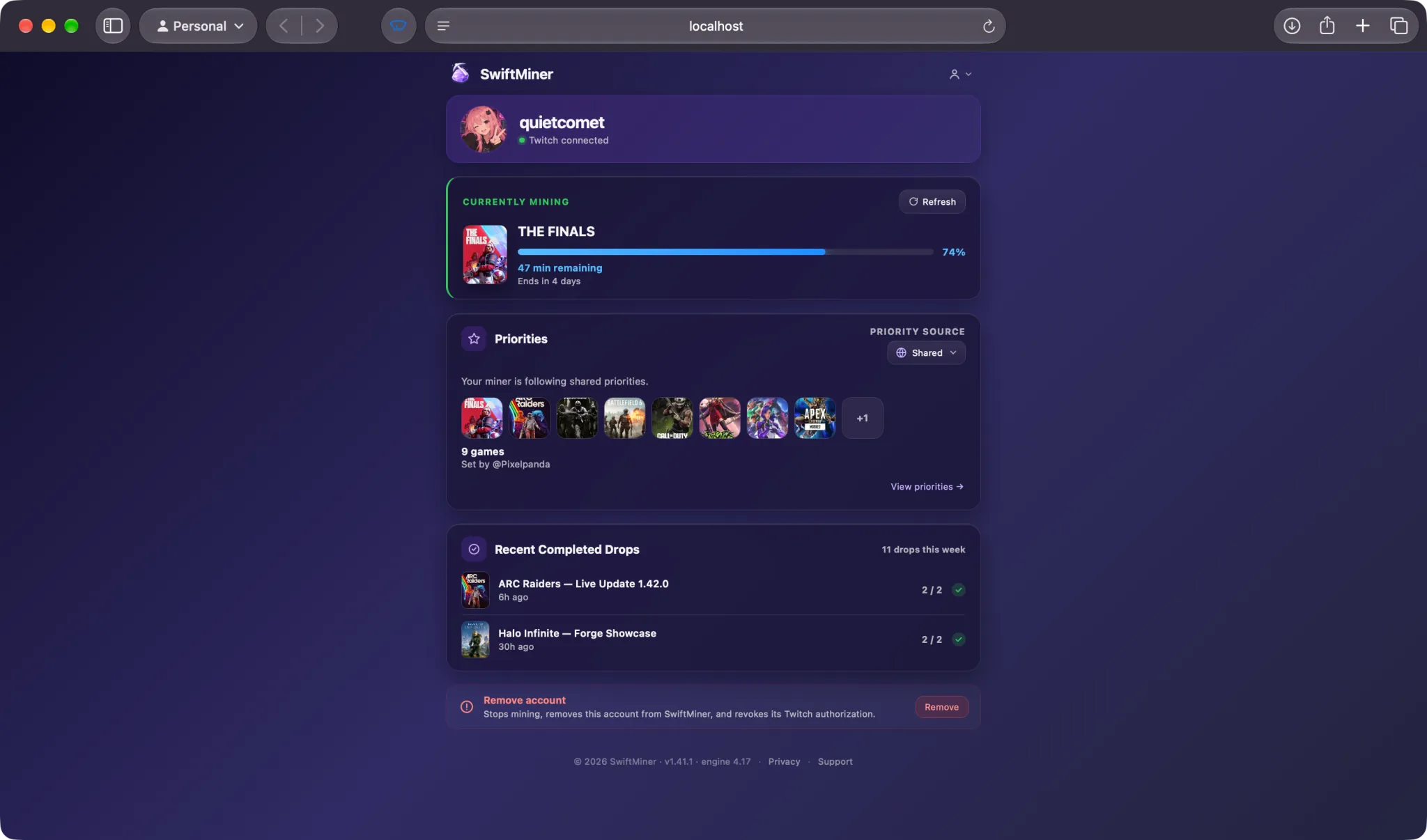
The optional Web Dashboard lets you check progress and control your own miner from a phone, tablet, or browser on your network.
Set your preferences once, then let SwiftMiner handle the repetitive work.
Authenticate securely and keep account data on your Mac.
Prioritize the campaigns you care about most.
Eligible streams are selected and monitored automatically.
Claimable rewards are handled as soon as they are ready.
SwiftMiner was written for macOS and nothing else—Swift and SwiftUI the whole way down, built on the system’s own frameworks rather than a cross-platform layer.
A single signed app for Apple Silicon and Intel Macs, drawn with SwiftUI and AppKit. Nothing is wrapped, emulated, or translated on the way to the screen.
Keep it in the Dock, in the menu bar, or both. Claims arrive in Notification Center, and the Dock badge speaks up when something needs you.
Light and dark follow the system rather than a theme switch of its own, and launch at login is a single checkbox in Settings.
Builds are signed and notarized by Apple, so they open without a detour, and new versions install themselves in place.
You sign in directly with Twitch. SwiftMiner never sees your password, and the access tokens it needs stay protected on your Mac.
Read about security and privacyTwitch handles authentication through its secure device-code flow.
Authorization tokens are stored in the macOS Keychain, not in a plain-text settings file.
The Web Dashboard and tunnel features remain off unless you choose to enable them.

Download the latest signed release and let SwiftMiner handle the watch progress.
Get SwiftMinerFree · Version 1.42 · Requires macOS 14.0 or later · Auto-updates.